> ## Documentation Index
> Fetch the complete documentation index at: https://docs.jupiclick.com/llms.txt
> Use this file to discover all available pages before exploring further.
# Telegram bot
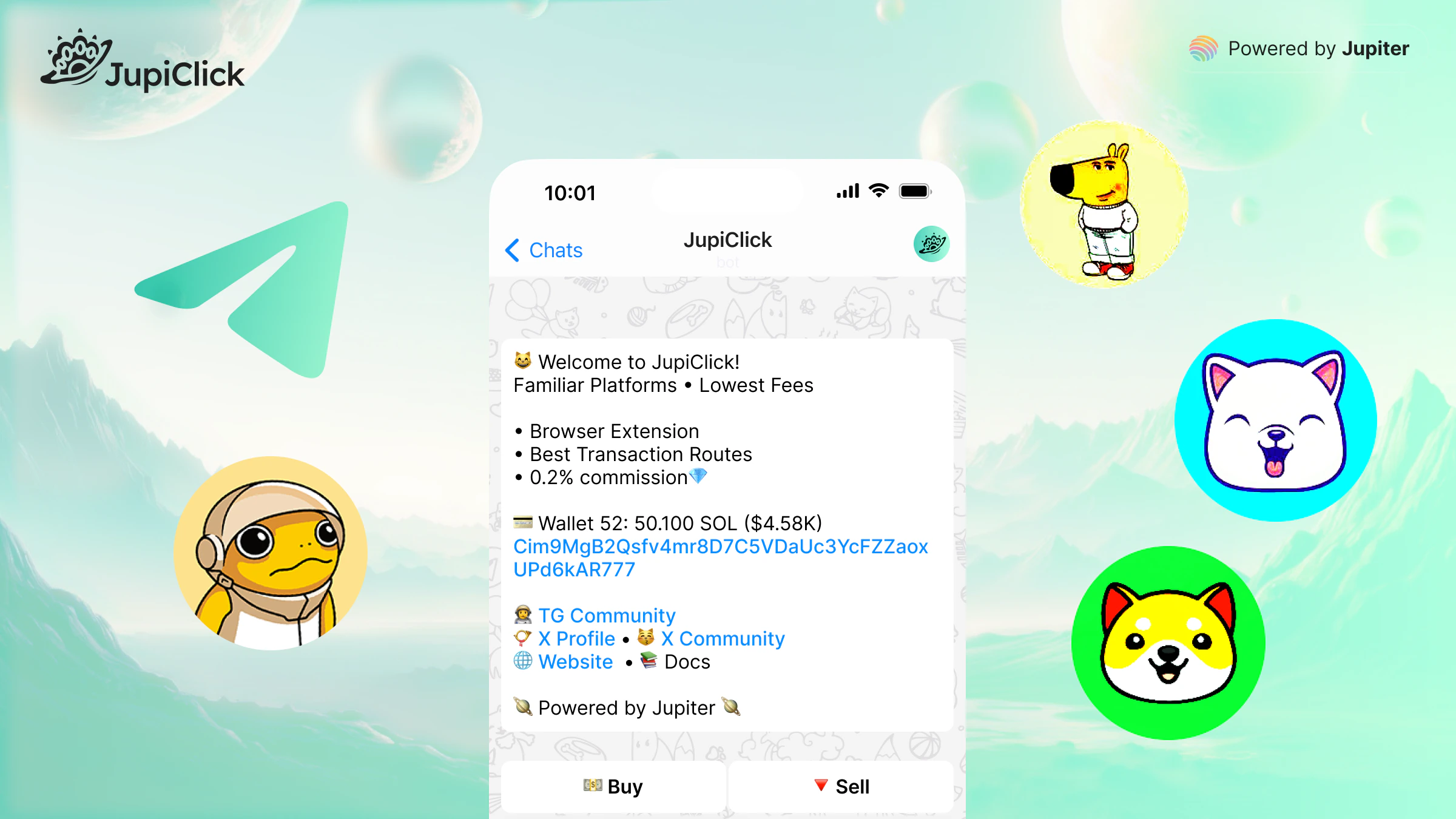
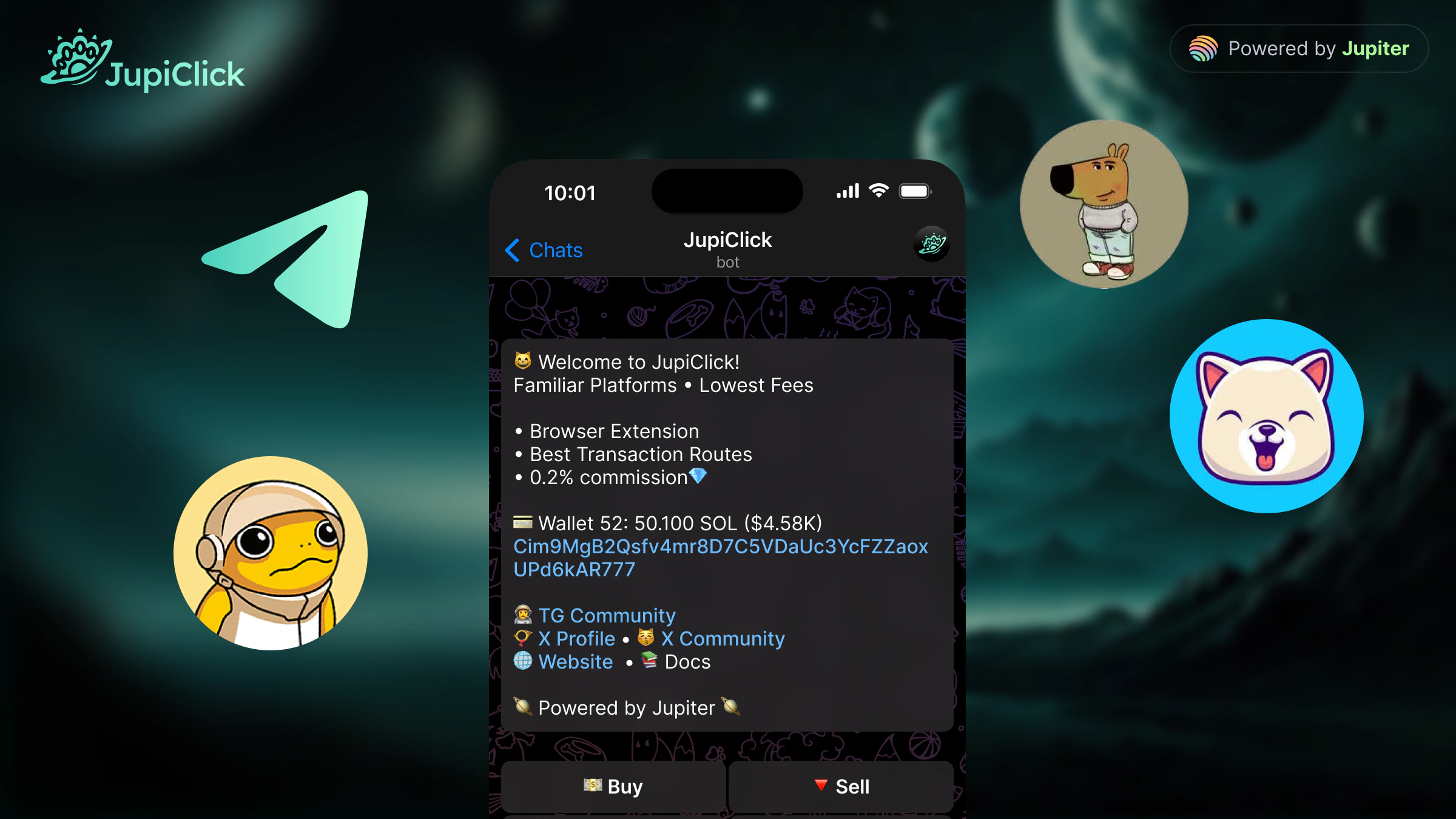 The **JupiClick Telegram bot** lets you trade on Solana directly from Telegram - no browser, no extension, no extra setup. Open a chat, send a command, and execute trades from any device where you run Telegram.
Use the bot when you want to:
* Trade on the go without leaving Telegram
* React quickly to market moves from your phone
* Manage multiple wallets and fire one-click buys and sells
* Route orders through [smart transaction routes](/smart-transaction-routes) for better fills
## Get started
Start a chat with [@JupiClickBot](https://t.me/JupiClickBot) on Telegram.
Follow the in-chat prompts to generate a new Solana wallet or import an existing one. Back up your seed phrase before you deposit funds.
Send SOL to the deposit address shown in the bot to cover trades and network fees.
Paste a token address or use an in-bot command to buy or sell. The bot quotes the price, shows the route, and confirms the transaction.
Prefer trading from a desktop browser? Try the [Chrome extension](/chrome-extension) instead.
The **JupiClick Telegram bot** lets you trade on Solana directly from Telegram - no browser, no extension, no extra setup. Open a chat, send a command, and execute trades from any device where you run Telegram.
Use the bot when you want to:
* Trade on the go without leaving Telegram
* React quickly to market moves from your phone
* Manage multiple wallets and fire one-click buys and sells
* Route orders through [smart transaction routes](/smart-transaction-routes) for better fills
## Get started
Start a chat with [@JupiClickBot](https://t.me/JupiClickBot) on Telegram.
Follow the in-chat prompts to generate a new Solana wallet or import an existing one. Back up your seed phrase before you deposit funds.
Send SOL to the deposit address shown in the bot to cover trades and network fees.
Paste a token address or use an in-bot command to buy or sell. The bot quotes the price, shows the route, and confirms the transaction.
Prefer trading from a desktop browser? Try the [Chrome extension](/chrome-extension) instead.