

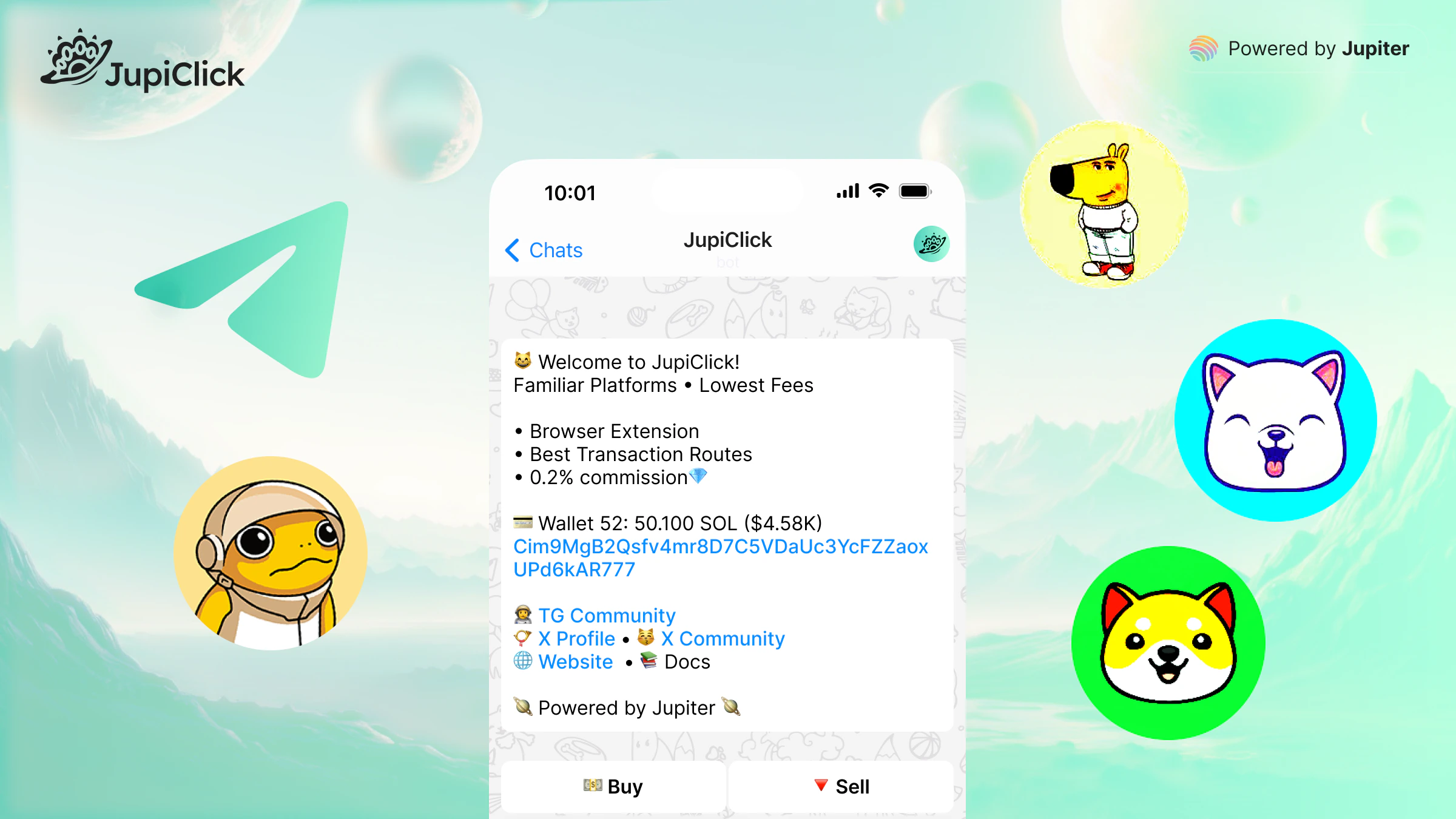
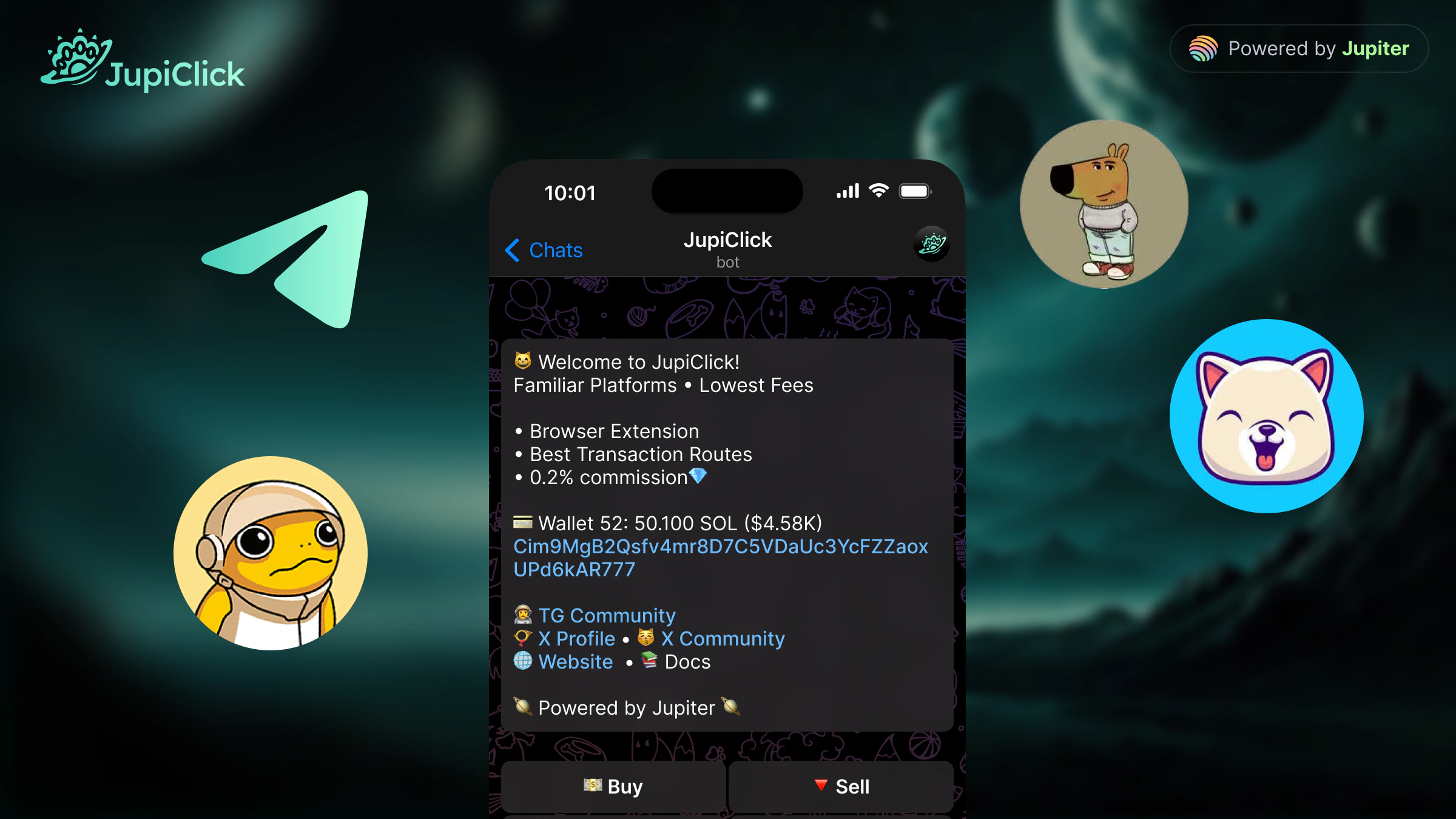
- Trade on the go without leaving Telegram
- React quickly to market moves from your phone
- Manage multiple wallets and fire one-click buys and sells
- Route orders through smart transaction routes for better fills
Get started
1
Open the bot
Start a chat with @JupiClickBot on Telegram.
2
Create or import a wallet
Follow the in-chat prompts to generate a new Solana wallet or import an existing one. Back up your seed phrase before you deposit funds.
3
Fund your wallet
Send SOL to the deposit address shown in the bot to cover trades and network fees.
4
Make your first trade
Paste a token address or use an in-bot command to buy or sell. The bot quotes the price, shows the route, and confirms the transaction.